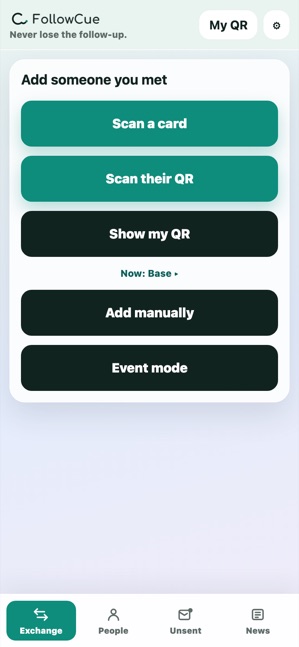
Save them on the spot
Snap a business card, scan a QR code, or just type a name. Save them however you met.

The follow-up app for the people you meet
Save the people you meet from a QR code, business card, or social link, then jot down what you talked about.
By the time you're on your way home, a thank-you or follow-up draft is ready.
No account neededNever sent automaticallyiOS & Android
From meeting them to the next message
You don't need to fill in every detail — just a name, and a little of what you talked about. The draft comes together right up until you send it. You're the one who sends it.
Snap a business card, scan a QR code, or just type a name. Save them however you met.
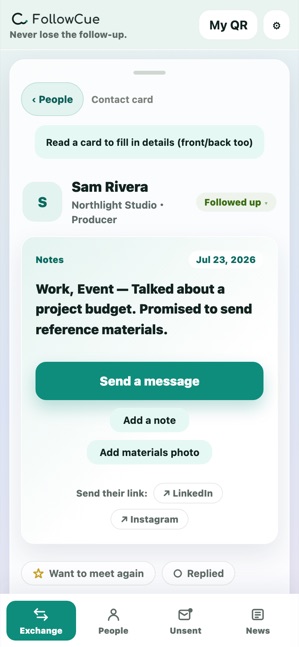
Where you met, what came up, anything you promised to send. It comes back to you the moment you see their name again.
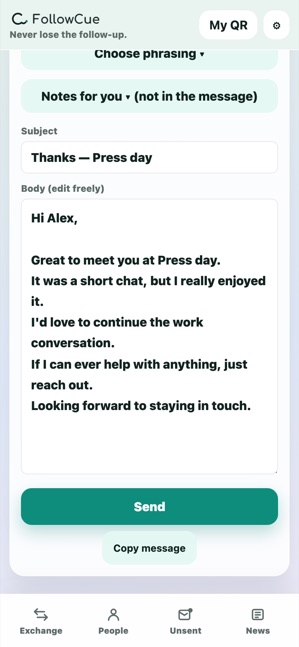
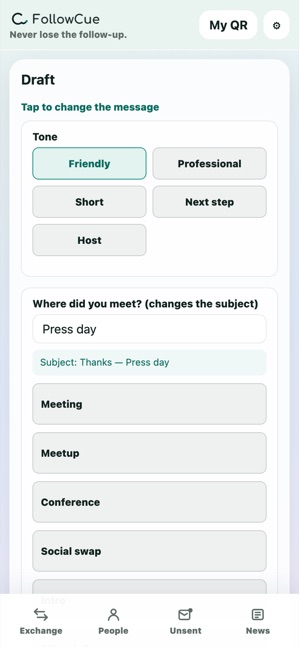
Tap a few choices and the draft is ready. Edit it if you like, then send it from whichever app you already use.
How it looks in real life
Show your QR codes, save each other on the spot. Jot one line while it's fresh, and by the walk home you're on to the next message. FollowCue's whole job is to keep that flow from stalling.



What people say
Every event, the cards piled up, but I never actually reached out. That was the problem for years. Now I put the drafts together on my way home, and the thank-yous are sent by the next day.
The only time I can write emails is in transit. Snap the card and the name and address are already in — I can send one in a few minutes on the train. If someone's card changes, I just rescan it.
I never liked digital business-card apps — the conversation always ended up about the card itself. FollowCue stays invisible. Exchanging is just showing a QR code, and the thank-you gets sent on the train home.
No account neededNever sent automatically
Not just contacts — the next action
FollowCue isn't an address book, and it isn't a heavyweight CRM. It's built to help you remember who you met and get to the message you still haven't sent.
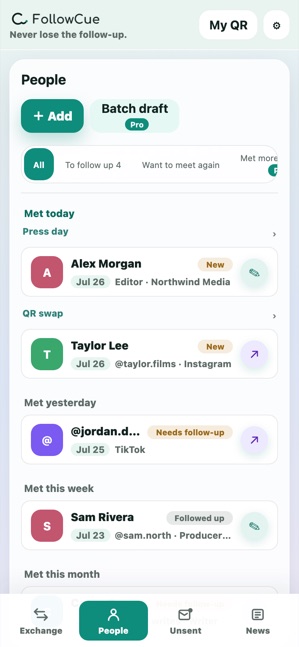
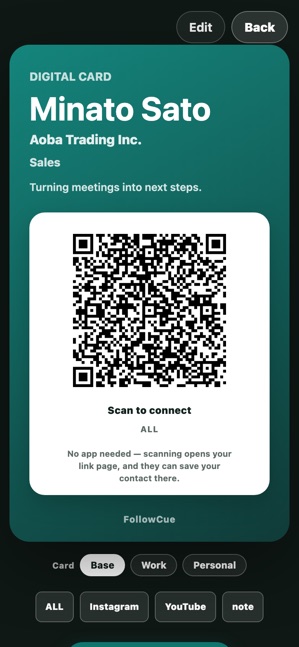
No hesitation when it's time to exchange
A QR code, a profile link, and presets to switch between — all included. It's not just handing something over: whoever you exchange with stays saved on your end, ready for the next message.
Show your social links, portfolio, and contact info all at once.
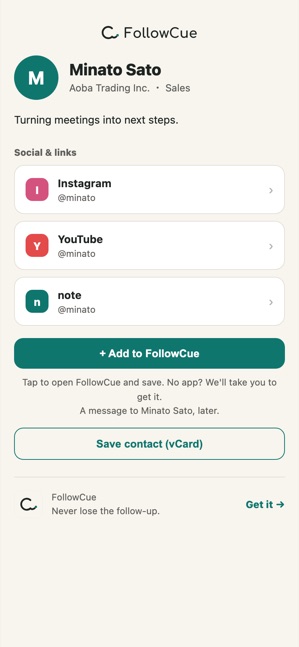
Send it by DM or message to people you can't meet in person. Without the app, they can still finish everything there: save you to contacts, keep a note of how you met, and write a thank-you. They can send it all to Notion or their notes app, too.
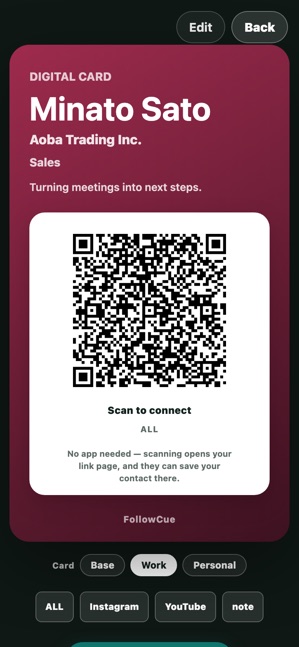
Work, personal, a side project. Switch your name and links to match who you're meeting. One profile is free; more are part of the one-time Pro upgrade.
Online too
FollowCue works online too. Someone you met in an online community, someone introduced over social media — even people you'll never meet in person can get a single link with your social profiles and portfolio.
If they already have FollowCue, one tap saves you to their contacts. If they don't, they can still save you directly. And on your end, they're saved too.
For anyone who meets people
Save every card and social exchange in one place, so nothing falls through the cracks the next day.
Even on a day full of meetings, what you talked about with each person stays saved — and the thank-you is ready the next day.
Follow up while the conversation is still fresh, with a message tailored to them.
Requests that land in your DMs, thank-yous after a project — share your portfolio with one link.
Private from the start
The people you meet are yours to keep. Contacts and notes are stored only on your device. Nothing leaves it unless you choose to share a link or send a draft.
Lighter than a card scanner, gentler than a CRM — just an app for the follow-up. All the core features are free. Pro is a one-time purchase, priced for your App Store region — never a subscription.
No account neededNever sent automatically